
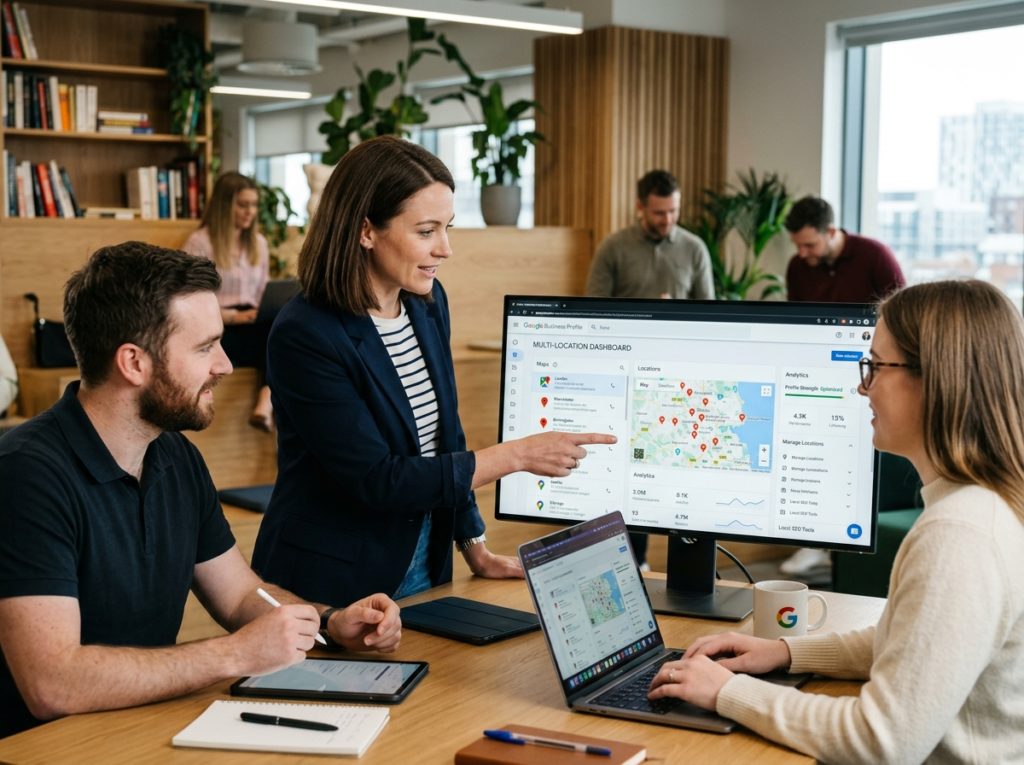
Outcome: A fully optimized, duplicate-free Google Business Profile (GBP) presence across all business locations, improving local search visibility and Local Pack rankings. Timeframe: 3–6 hours of setup per 10 locations, plus 2–4 weeks for verification and indexing. Skill Level: Intermediate — requires basic spreadsheet skills and GBP Manager access.
Multi-location SEO requires a different workflow than single-store optimization. According to Google’s Business Profile Help documentation (2024), businesses using Location Groups in Google Business Profile Manager see faster bulk updates and fewer duplicate listings than those managing profiles individually. A 50-location retail chain, for example, can cut monthly update time from roughly 20 hours to under 4 hours once Location Groups and bulk tools are in place.
Before You Begin: Prerequisites Checklist

- Owner or manager access to Google Business Profile Manager for all locations
- A master spreadsheet with store name, address, phone, category, and hours (NAP data)
- Access to Google My Business API or bulk upload permissions (10+ locations)
- Google Search Console verified for your domain
- A content management system capable of generating location-specific landing pages
- A designated team member or agency contact responsible for ongoing review and Posts management
Confirm these five prerequisites before starting Step 1. Missing API access or incomplete NAP data is the most common cause of delays in week one, often adding 3–5 extra days to onboarding.
Step 1: Audit and Remove Duplicate Listings
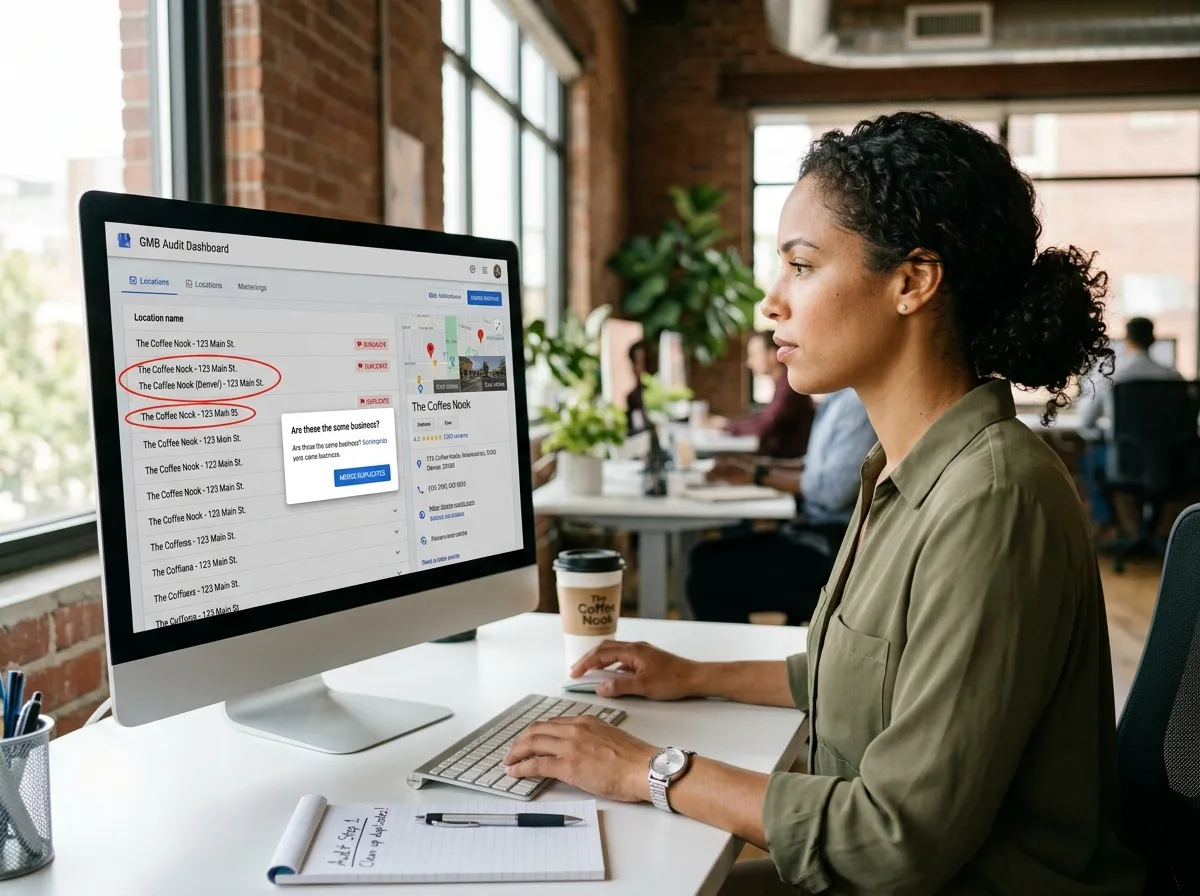
Duplicate GBP listings dilute ranking signals and confuse Google Maps algorithms. A single storefront with three competing listings splits review counts, click data, and local pack eligibility across profiles instead of consolidating authority into one listing.
Sub-steps:
- Search your brand name plus city in Google Maps to identify duplicate listings. Repeat this search in an incognito browser window to see results as a typical customer would, not as a logged-in owner.
- Flag unauthorized or outdated profiles using the “Suggest an edit” tool.
- Request removal of duplicate GBP listings through Google’s official duplicate listing removal form.
- Claim any unclaimed locations before competitors or third parties do.
- Document each duplicate’s Place ID before submitting removal, so you can confirm resolution later.
Implication: Fixing duplicate listing removal issues first prevents wasted effort on profiles that will later need merging. Teams that skip this step frequently discover 10–15% of their total location count consists of redundant listings once they reach Step 4’s bulk upload.
Step 2: Set Up Location Groups for Bulk Location Management
Location groups allow franchise and chain location management from a single dashboard, replacing the need to log into dozens of individual profile accounts.
Sub-steps:
- Log into Google Business Profile Manager and select “Create a group.”
- Organize locations by region, brand, or franchise owner for easier bulk business updates. Regional grouping works best for chains with 20+ locations spanning multiple states or countries.
- Assign user roles (Owner, Manager, Site Manager) per group to control editing permissions. Site Managers can respond to reviews and edit hours but cannot add or remove users — a useful restriction for in-store staff.
- Set a naming convention (e.g., “Region-State-StoreNumber”) so new locations slot into the correct group automatically.
This structure is the foundation of effective Google Business Profile group management for franchises, and it directly simplifies Steps 4 and 7 later in this workflow.
Step 3: Standardize NAP Consistency and Business Categories
NAP consistency — matching Name, Address, and Phone number across the web — is a top local citation building factor. Inconsistent NAP data across even three or four directories can measurably slow local ranking improvements.
Sub-steps:
- Use your master spreadsheet to confirm identical NAP data across all listings, including suite numbers and phone number formatting (e.g., consistently using “(555) 123-4567” rather than mixing formats).
- Audit local citations on directories (Yelp, BBB, industry sites) for citation consistency. Prioritize the top 10–15 directories most relevant to your industry rather than attempting all citations at once.
- Select accurate primary and secondary business categories setup for each location — Google allows one primary category and up to nine additional categories.
- For mobile or non-storefront businesses, configure the listing as a service area business rather than a storefront, and hide the address if customers are served at their location rather than yours.
Location data accuracy directly affects local search ranking and Google Maps ranking stability. Even a single mismatched suite number across citations can measurably delay ranking recovery after a move or rebrand.
Step 4: Execute Google Business Profile Bulk Upload
For 10 or more locations, manual entry is inefficient. Use the Google My Business API or a bulk spreadsheet upload to push changes across all profiles simultaneously.
Sub-steps:
- Download Google’s bulk upload spreadsheet template from Business Profile Manager.
- Populate each row with store-specific NAP, hours, and category data, double-checking that address fields match local postal formatting standards.
- Submit via the bulk upload tool or integrate the Google My Business API for multi-location businesses with ongoing data syncs — the API is generally preferable for chains that update hours or inventory weekly.
- Review the Google Business Profile bulk location upload guide provided by Google to avoid formatting rejections, which commonly stem from unsupported characters in business names.
- Run a test batch of 3–5 locations before uploading the full list, to catch template errors early.
Step 5: Verify Multiple Google Business Profiles
Google Business Profile verification confirms location legitimacy and unlocks full editing features, including Posts, Q&A management, and booking integrations.
Sub-steps:
- Choose bulk verification (available for businesses with 10+ locations) through Business Profile Manager.
- Submit required documentation: business licenses, tax forms, or utility bills matching each address exactly as entered in the profile.
- Monitor verification status; most bulk requests process within 7–14 business days, though chains with inconsistent documentation have reported delays of 3–4 weeks.
- Keep a verification tracking sheet noting submission date, method, and status per location to simplify follow-up.
Businesses that understand how to verify multiple Google Business Profiles upfront avoid delays in going live on Google Maps, particularly during peak seasons like Q4 retail openings.
Step 6: Build Location-Specific Landing Pages with Schema Markup
Store locator pages and location page optimization reinforce GBP data and support multi-store SEO by giving Google additional on-site signals that confirm each address.
Sub-steps:
- Create a unique URL for each store location page, avoiding duplicate content — templated pages with only the city name swapped out typically underperform.
- Add geo-targeted content: local landmarks, service details, staff bios, and location-based keywords specific to that neighborhood or city.
- Implement local business schema markup (LocalBusiness or Store schema) on every page, including sameAs links to the corresponding GBP listing.
- Link each location page to its corresponding GBP listing and store locator entry, and add internal links from the homepage navigation.
- Include embedded Google Maps widgets and click-to-call phone numbers formatted for mobile users.
For businesses managing dozens of profiles, tools built for multi-location Google Business Profile management can automate page generation and keep listings synchronized with minimal manual input, reducing the ongoing maintenance burden as new stores open.
Step 7: Manage Reviews, Posts, and Hours Across Locations
A consistent review management system strengthens trust signals across all storefronts and prevents a single underperforming location from dragging down brand perception.
Sub-steps:
- Set up automated review generation strategy requests post-purchase or post-service, typically sent within 24 hours of the transaction.
- Respond to Google reviews within 24–48 hours, using location-specific details in replies rather than generic templated responses.
- Publish Google Posts weekly per location, highlighting promotions or local events — chains that post consistently tend to see higher profile engagement than those posting sporadically.
- Update business hours management for holidays and seasonal changes across every group simultaneously, using bulk editing to avoid manually updating each listing.
- Monitor and answer the Q&A section on each listing, since unanswered questions can display outdated or incorrect user-submitted answers.
Multi-location review management reduces reputation gaps between high- and low-performing stores and surfaces operational issues before they escalate into broader brand complaints.
Step 8: Track Performance with Insights and Search Console
The Insights dashboard within Business Profile Manager shows calls, direction requests, website clicks, and search queries per location, broken down by week or month.
Sub-steps:
- Export Insights data monthly to compare local pack rankings by location and spot outliers.
- Cross-reference with Google Search Console to track organic traffic to location pages and identify which queries drive impressions versus clicks.
- Adjust local keyword targeting based on underperforming locations, focusing first on stores with high impressions but low click-through rates.
- Set calendar reminders for quarterly deep-dive reviews, since monthly snapshots alone can mask slower seasonal trends.
Troubleshooting Common Multi-Location GBP Issues
- If duplicate GBP listings reappear → Resubmit the duplicate listing removal request and update all citations referencing the old NAP data, since stale third-party directories often recreate listings automatically.
- If bulk upload is rejected → Check for mismatched category names, special characters, or inconsistent address formatting in the spreadsheet template.
- If verification is delayed beyond 14 days → Contact Google Business Profile support directly through the Help Community for bulk verification cases, and have your tracking sheet ready with submission dates.
- If rankings differ sharply between locations → Audit NAP consistency and local citations for the underperforming store, and confirm the primary category matches competitors ranking above it.
- If reviews are missing from one location → Confirm the correct Place ID is linked in your review generation tool, since mismatched Place IDs often route reviews to the wrong listing.
- If Insights data shows a sudden drop → Check for a recent Google Business Profile Manager interface change or a lapsed verification status affecting that specific location.
Next Steps
After completing this multi-location SEO workflow, schedule quarterly audits of NAP data, review Insights dashboard trends monthly, and expand location-specific landing pages as new stores open. Businesses scaling past 50 locations should evaluate dedicated Google My Business API integrations to maintain location data accuracy at scale, and consider assigning regional managers ownership of their respective Location Groups to keep review response times consistent.
Is AI recommending your business?
We will ask ChatGPT, Gemini and Google AI about your business and show you what they say. It is free.
Want More Customers From Search?
Book a free strategy call, or call San Diego (858) 225-6877 or Indianapolis (317) 672-1156.