What Is On-Page SEO? A Practical Guide for Local Businesses
On-page SEO is the work you do on the page itself so that search engines and people understand what it’s about and why it’s worth showing. It covers the title, the meta description, the headings, the main content, images and their alt text, internal links, the URL and structured data. You control every one of these, which is why on-page work is usually the first place we look when a page isn’t pulling its weight.
It’s one of the main types of SEO, next to technical and off-page work. This guide is the overview. Each section gives you the short version and points to a deeper article where we have one. For the full picture of how we approach search, start at our SEO hub.
On-Page SEO vs. Technical SEO vs. Off-Page SEO
The three overlap, but they answer different questions:
- On-page SEO: Is this page clear, useful and well labeled for the search it should show up for?
- Technical SEO: Can search engines find, crawl, render and index the page at all? Our guide to technical SEO covers that side.
- Off-page SEO: What do other sites, reviews and listings say about the business?
If a page isn’t indexed, on-page work can’t help it yet. Once it is, on-page is where most of the gains are for a small business site, because you can change it today without waiting on anyone else.
Title Tags: The Headline in Search Results
The <title> element is the main source Google uses for the title link, the clickable headline in a search result. Google’s guide to title links asks for titles that are descriptive and concise, unique to each page, and free of keyword stuffing. It also suggests branding titles concisely, for example by adding the business name at the end.
Google can rewrite a title when it finds the original vague, outdated or inaccurate, and it can draw on other parts of the page, including the main heading, when it does. There’s no length limit, but long titles get cut off to fit the screen. A pattern that works for most service pages: the service, the city, then the brand. For example, “Garage Door Repair in Encinitas | Your Company.”
Meta Descriptions: The Summary Under the Title
The meta description is a short summary of the page. Google’s snippet documentation says it builds snippets mainly from the page content, and uses the meta description when it gives searchers a more accurate summary than the page text would. So it isn’t guaranteed to show.
It’s still worth writing one for every important page. Google recommends making each one unique, since identical descriptions across a site aren’t helpful. Say what the page offers, who it’s for and what to do next, in a sentence or two.
Headings: H1, H2 and H3
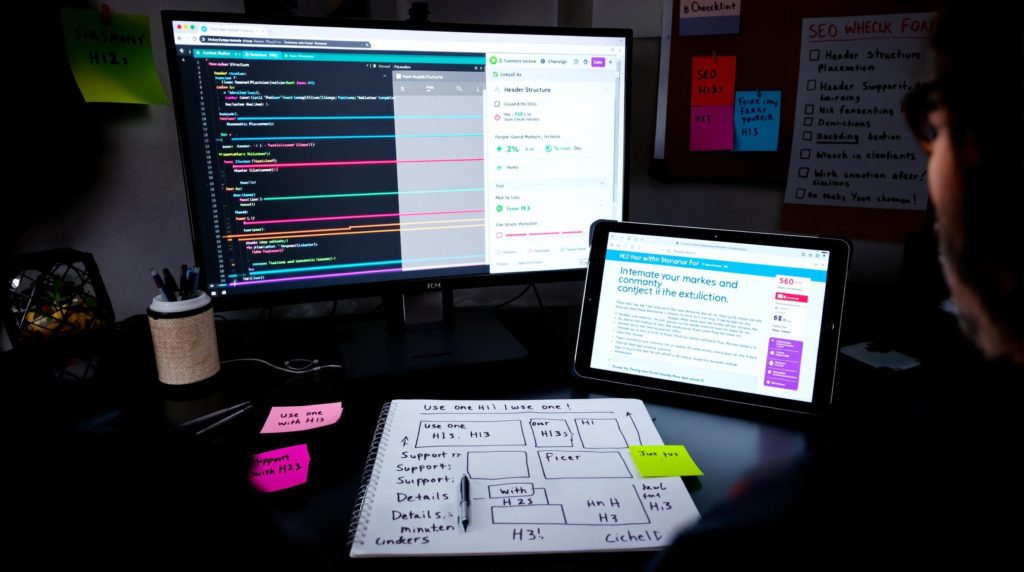
Headings give the page an outline. One clear H1 states the main topic. H2s split it into sections, and H3s break those sections down further. Readers scan headings to find what they need, and people using screen readers can jump from heading to heading.
Google’s SEO Starter Guide keeps this in proportion: it says there’s no magical, ideal number of headings, and that from Google Search’s perspective it doesn’t matter if they’re used out of order. Use headings to make the page easier to follow, not to hit a count. Our guide to header tags from H1 to H6 goes into hierarchy, accessibility and common mistakes.
Content: Answer the Search Better Than Anyone Else
Content is the heart of on-page SEO. The page has to answer what the searcher wants, in enough depth to be useful, from someone who knows the subject. Google’s guidance on helpful, reliable, people-first content is the best reference for this.
One old habit to drop: chasing a word count. Google’s Starter Guide says the length of the content alone doesn’t matter for ranking, and that there’s no magical word count target. A short page that fully answers a simple question can beat a long one that pads it out. Keyword stuffing, repeating the same words over and over, is against Google’s spam policies.
We cover search intent, topical coverage, E-E-A-T and keeping pages up to date in our guide to SEO content. If you want to understand how search engines connect your business to topics, people and places, read what entity SEO is.
Images and Alt Text
Images help a page, but only if search engines can read them. Google’s image SEO best practices recommend standard HTML <img> elements (Google doesn’t index CSS background images), placing images near relevant text, and short, descriptive filenames. A name like garage-door-spring-repair.jpg beats IMG00023.JPG.
Alt text describes the image for people who can’t see it and helps search engines understand it. Google warns against filling alt attributes with keywords. Its own example: “Dalmatian puppy playing fetch” is better than a list of dog-related keywords. Describe what’s actually in the photo, like “Technician replacing a torsion spring on a two-car garage door.”
Large photo files also slow the page down, which affects the experience visitors get. Compress them before upload. Our guide to Core Web Vitals explains how image size shows up in loading metrics.
Internal Links and Anchor Text
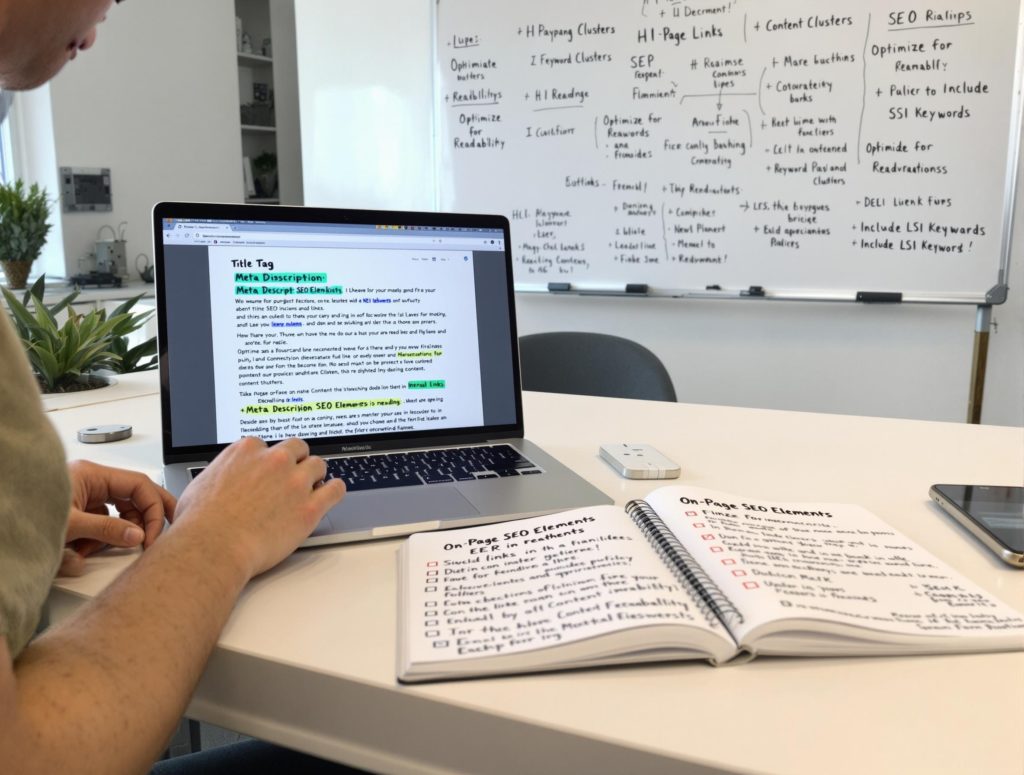
Internal links connect your pages so visitors and crawlers can move between them. Google says every page you care about should have a link from at least one other page on your site. The words you link, the anchor text, tell people and Google what the linked page is about. “Water heater repair in Indianapolis” says much more than “click here.”
On-page, the habit to build is simple: when you mention a topic you have a page for, link to it with descriptive text. How to plan links across the whole site, with hub pages, supporting articles and no orphan pages, is covered in internal linking and content silos.
URLs
A good URL is short, readable and describes the page. Google’s Starter Guide notes that parts of the URL can show in search results as breadcrumbs, and that a URL made only of random identifiers is less helpful for users. /garage-door-repair/ is better than /?p=4821. If you change a URL on a page that already ranks, redirect the old one. See our guide to URL structure in SEO for the details.
When the same content can be reached at more than one URL, a canonical tag tells search engines which version you prefer. That’s covered in understanding and using canonical tags.
Structured Data (Schema Markup)
Structured data is code that labels the facts on a page, such as your business name, address, phone number, services or the questions you answer. Google says it uses structured data to understand page content, and some types can make a page eligible for rich results. Eligible doesn’t mean guaranteed, and the markup has to match what’s visible on the page. Our guide to what schema is and how it helps SEO covers which types fit a local business.
On-Page SEO Checklist
Run each important page through this list. For the local side, such as your Business Profile and citations, pair it with our local SEO checklist.
| Element | What good looks like | Deeper guide |
|---|---|---|
| Title tag | Unique, descriptive, concise, brand at the end | This page |
| Meta description | Unique summary of what the page offers and the next step | This page |
| Headings | One clear H1, H2s and H3s that outline the page | Header tags |
| Content | Answers the search fully, written by someone who knows the subject | SEO content |
| Images | HTML img elements, descriptive filenames and alt text, compressed files | This page |
| Internal links | Linked from at least one other page, descriptive anchor text | Internal linking |
| URL | Short, readable, hyphenated | URL structure |
| Structured data | Fits the page and matches visible facts | Schema |
| Page experience | Loads quickly and stays stable on a phone | Core Web Vitals |
Common On-Page Mistakes on Local Business Sites
These come up again and again when we review small business sites:
- The same title on every page, often just the business name, so nothing tells Google or searchers what each page covers.
- No H1, or a logo set as the H1, so the page has no clear main topic.
- Service pages with two sentences of text that don’t answer the questions customers actually ask.
- City pages that only swap the town name. They add pages without adding anything useful.
- Photos straight off a phone with filenames like IMG_4471 and no alt text.
- Service pages nobody links to, so they’re hard to reach for visitors and crawlers alike.
Frequently Asked Questions
What is the difference between on-page SEO and technical SEO?
On-page SEO is about what’s on each page: the title, description, headings, content, images, links and structured data. Technical SEO is about whether search engines can crawl, render and index the site, plus things like HTTPS, mobile-friendliness and speed. Technical issues can stop a page from showing at all, so check those first, then improve the page itself.
How long should a page be for SEO?
There’s no target. Google says the length of content alone doesn’t matter for ranking and that there’s no magical word count. Write as much as it takes to answer the search well. A simple question may need a short answer; a complex service may need a longer page.
Do meta descriptions affect rankings?
Google’s snippet documentation treats the meta description as a possible source for the snippet, not as a ranking factor. Google may use your description as the snippet under your title when it summarizes the page well, which can help people decide to click. Write a unique one for each important page.
Does every page need schema markup?
No. Add structured data where a type fits the page, such as LocalBusiness on your contact or location pages and Article on blog posts. Google says structured data can make a page eligible for rich results, but it doesn’t guarantee them, and the markup should match what’s visible on the page.
How often should I review on-page SEO?
Review your key service and location pages whenever your services, prices, hours or areas change, and at least once or twice a year otherwise. Look at Search Console to see which searches each page shows up for, and check that the page still answers them.
Get Help With On-Page SEO
Local Blitz has worked on SEO for local businesses since 2009, from offices in San Diego (Encinitas) and Indianapolis. We review your key pages, fix titles, headings, content, links and markup, and report on the calls, leads and rankings that follow. There are no cookie-cutter packages, and plans are month-to-month. Book a free strategy call and we’ll tell you what we see, even if the answer is that you can handle it yourself.
Is AI recommending your business?
We will ask ChatGPT, Gemini and Google AI about your business and show you what they say. It is free.
Want More Customers From Search?
Book a free strategy call, or call San Diego (858) 225-6877 or Indianapolis (317) 672-1156.