
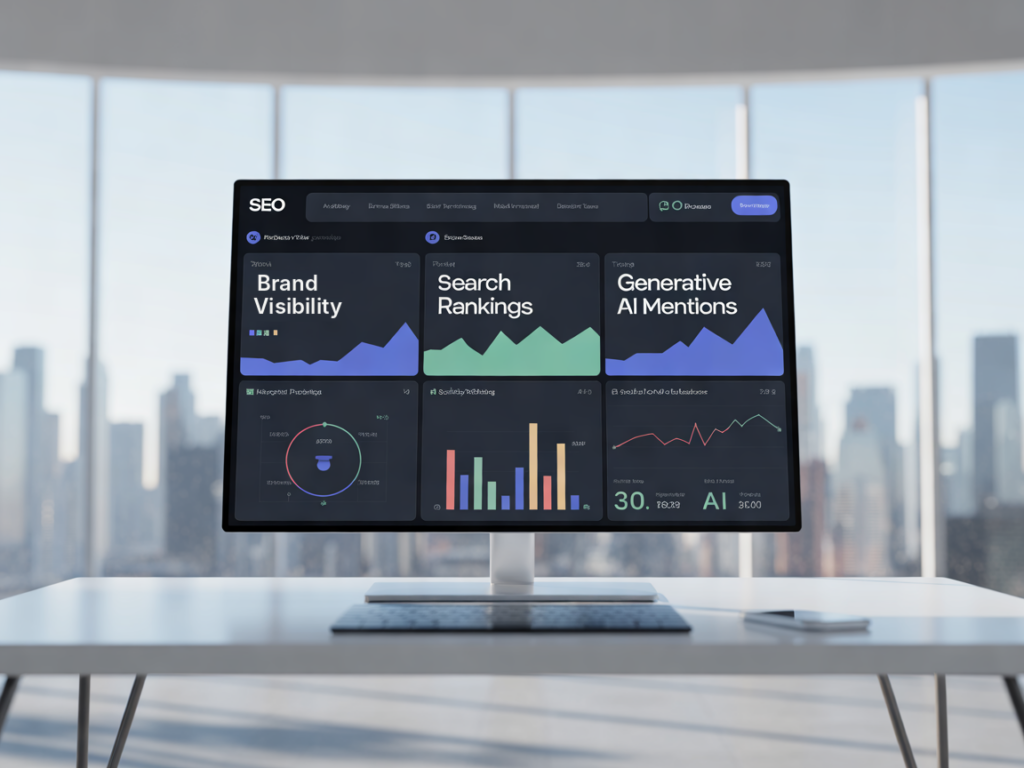
You can audit your business’s AI search visibility in under two hours using free tools, then set up automated monitoring in one afternoon. This guide is for beginner-to-intermediate marketers and works for any business size. By the end, you’ll know how to track AI search visibility across Google AI Overviews and AI Mode, Microsoft Copilot, and Perplexity.
Answer Engine Optimization (AEO), the practice of optimizing content so AI search engines cite your brand, has become essential as large language models (LLMs) take over clicks that used to go to traditional search results. In 2024, Gartner predicted that traditional search engine volume would drop 25% by 2026 as users shift to AI chatbots and virtual agents.
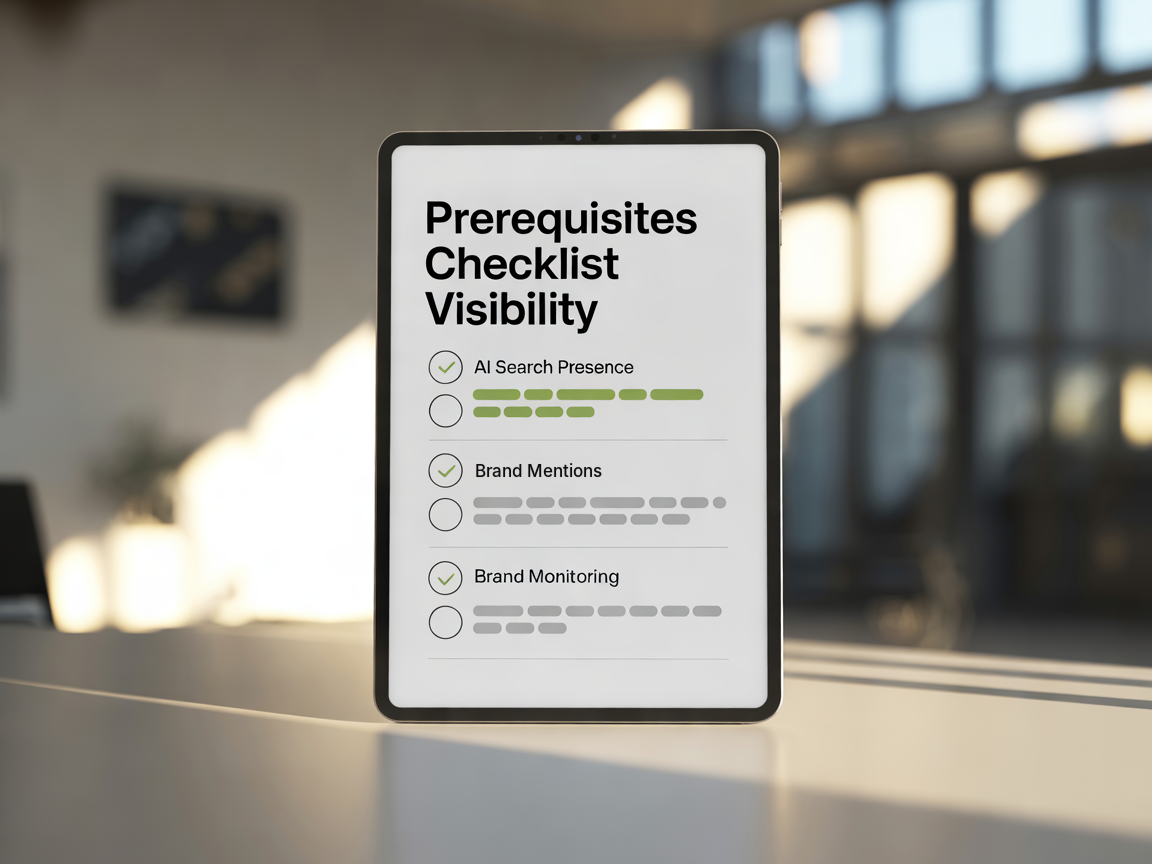
Before You Begin: Prerequisites Checklist
-
- Time required: 2 hours for the initial audit; 30 minutes weekly for ongoing tracking
-
- Skill level: Beginner to intermediate
-
- Access needed: Google Search Console, Bing Webmaster Tools, your website’s backend (for schema markup and robots.txt), and at least one brand monitoring tool
-
- Accounts to create: Free trials for Profound or Otterly.AI (AI-specific tracking); an existing Semrush or Ahrefs subscription (optional but recommended)
-
- Baseline data: A list of 10–15 branded and non-branded queries relevant to your industry
Step 1: Manually Test AI Search Engines With Branded Prompts

Start your audit by querying the major AI search engines yourself. It’s the fastest way to see whether your business appears in AI answers today.
1.1 Check Google AI Overviews and AI Mode
Search your core keywords in Google and review the AI Overview at the top of the results (the feature that replaced Google SGE, the Search Generative Experience). Then run the same queries in AI Mode. Note whether your domain is linked as a source.
1.2 Test Microsoft Copilot and Perplexity
Copilot (formerly Bing Chat) draws on Bing’s index, while Perplexity pulls citations from multiple sources. Run identical prompts on both to compare your visibility across engines.
1.3 Document Results in a Tracking Sheet
Create columns for platform, query, mentioned (Y/N), citation link (Y/N), and date tested. This becomes your baseline for measuring AI search performance.
Step 2: Check Webmaster Tools and Crawler Access
Google Search Console (GSC) now includes a Search Generative AI performance report that shows how often your pages appear in AI Overviews and AI Mode. It reports impressions only (no clicks or queries), and data starts from May 18, 2026. GSC also reveals indexing problems that keep your content out of AI answers.
2.1 Review the Generative AI Performance Report
Open the generative AI report in Search Console and note which pages earn AI Overview and AI Mode impressions, broken down by country, device, and date. Record these numbers as your Google AI baseline.
2.2 Verify Indexing Status
Open the Page indexing report and confirm your key pages are indexed. Unindexed pages can’t appear in Google AI Overviews or AI Mode.
2.3 Monitor Crawl Stats
Check the Crawl Stats report monthly. A drop in crawl frequency can come before a drop in AI citations.
2.4 Confirm AI Crawlers and AI Features Aren’t Blocked
Review your robots.txt file and make sure you aren’t blocking crawlers such as OAI-SearchBot (ChatGPT search), PerplexityBot, ClaudeBot, and Bingbot. In Search Console, also confirm the AI features opt-out is turned off; if it’s on, your pages won’t appear in AI Overviews or AI Mode.
2.5 Check Bing’s AI Performance Report
In Bing Webmaster Tools, open the AI Performance report to see how often Microsoft Copilot and Bing’s AI summaries cite your pages, and which pages earn those citations.
Step 3: Deploy Dedicated AI Search Monitoring Tools
Manual testing doesn’t scale. Dedicated AI visibility tools automate prompt testing across ChatGPT, Perplexity, and other platforms.
3.1 Set Up Profound or Otterly.AI
These platforms specialize in AI answer tracking and generative engine optimization (GEO). They run scheduled prompts across ChatGPT, Perplexity, and Google AI Overviews, then report how often you’re cited.
3.2 Layer In Semrush and Ahrefs
Semrush and Ahrefs weren’t built for AI tracking, but both now offer AI visibility features that show when your brand or URLs appear in generative results.
3.3 Use BrightEdge or Conductor for Enterprise Audits
Larger businesses can use BrightEdge or Conductor, which combine traditional SEO data with AI search visibility metrics in one dashboard.
3.4 Centralize Reporting
If you track AI visibility for several locations or brands, choose one tool as your main source of record so mention data from ChatGPT, Claude, Copilot, and Google lands in a single report instead of separate spreadsheets.
Step 4: Strengthen Schema Markup and Knowledge Graph Presence
AI search engines use structured data to understand and extract accurate brand information.
4.1 Implement Organization Schema
Add Schema.org Organization markup to your homepage, including name, logo, address, and sameAs links to your social profiles. This helps Google connect your site to its Knowledge Graph entry.
4.2 Keep FAQ Schema for Real Q&A Content
Google stopped showing FAQ rich results for all sites in May 2026, but FAQPage is still valid Schema.org markup. Keep it only on pages with genuine question-and-answer content, where it helps machines read your answers clearly.
4.3 Validate Before Publishing
Use the Schema Markup Validator (validator.schema.org) to check all your markup, including FAQPage. Use Google’s Rich Results Test for types that still earn rich results, such as Product and Review. Fix errors before publishing.
Step 5: Build a Centralized AI Visibility Dashboard
Pull your findings from Steps 1–4 into one dashboard for ongoing monitoring.
| Metric | Source | Frequency |
|---|---|---|
| Brand mention rate | Profound / Otterly.AI | Weekly |
| AI Overview and AI Mode impressions | Search Console generative AI report | Weekly |
| Copilot citations | Bing AI Performance report | Weekly |
| Citation links in answers | Perplexity | Weekly |
| Indexing health | Google Search Console | Monthly |
| Schema validity | Schema Markup Validator / Rich Results Test | Monthly |
| Competitor comparison | Semrush / Ahrefs | Monthly |
Step 6: Set a Recurring Audit Cadence
Run a full AI search visibility audit every 30 days. AI models and the search indexes behind them update often, so today’s visibility isn’t guaranteed next month.
6.1 Weekly Quick Checks
Spend 15 minutes querying Google AI Overviews, Copilot, and Perplexity with your top 5 branded prompts.
6.2 Monthly Deep Audit
Run the full 6-step process, update your dashboard, and compare month-over-month citation trends.
Troubleshooting Common AI Visibility Issues
-
- Your brand never appears in ChatGPT answers → Build mentions on authoritative third-party sites (directories, industry publications, review sites). ChatGPT tends to reflect broad web consensus rather than a single source.
-
- Google AI Overviews ignores your site despite good rankings → Answer the query directly near the top of the page, ideally within the first 50 words, and confirm the page shows impressions in the Search Console generative AI report.
-
- Perplexity cites competitors instead of you → Audit competitor backlink profiles in Ahrefs. Perplexity favors well-linked, citation-worthy sources.
-
- Copilot shows outdated business information → Update your Bing Places for Business listing and resubmit your sitemap in Bing Webmaster Tools.
-
- Schema markup shows errors → Validate your JSON-LD syntax with the Schema Markup Validator or Rich Results Test before republishing.
-
- Monitoring tools show inconsistent data → Cross-check at least two sources (for example, Profound plus manual testing) before drawing conclusions, since tracking methods vary by tool.
Next Steps
Once your audit is complete, prioritize these actions:
-
- Publish original data or case studies. LLMs favor fact-based, citation-worthy content over generic marketing copy.
-
- Expand your schema to include Product, Review, and LocalBusiness types where they apply.
-
- Re-test your prompt list monthly and track changes over a 90-day period.
-
- Invest in a dedicated AI visibility tool if manual tracking takes more than 2 hours a week.
Tracking your brand in AI tools is no longer optional. It’s a core part of answer engine optimization. Businesses that set up monitoring now will hold a measurable advantage as AI answers become a primary discovery channel in 2026 and beyond.
Is AI recommending your business?
We will ask ChatGPT, Gemini and Google AI about your business and show you what they say. It is free.
Want More Customers From Search?
Book a free strategy call, or call San Diego (858) 225-6877 or Indianapolis (317) 672-1156.