
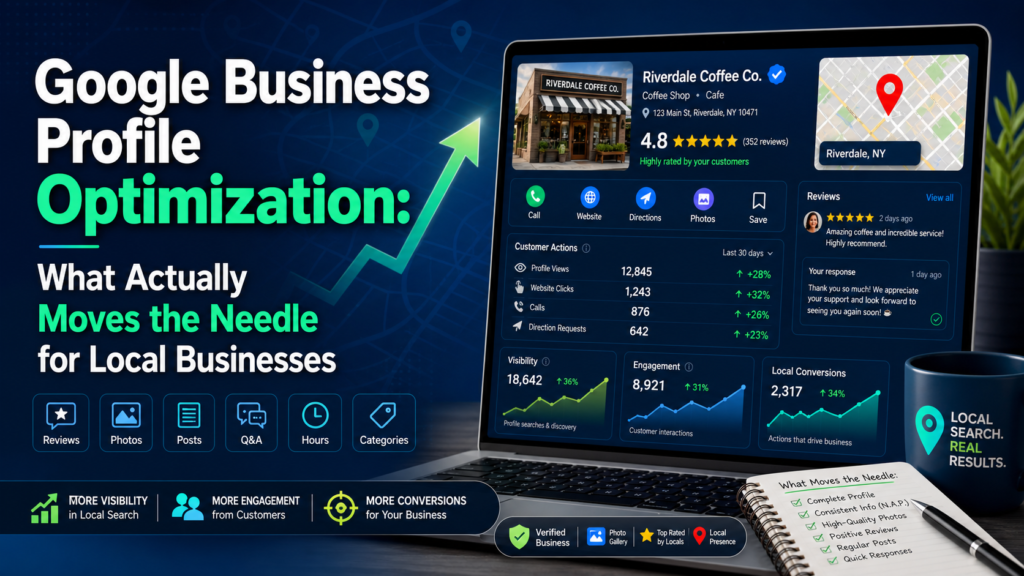
Google Business Profile optimization is the work of completing, managing and improving your free Google listing so your business shows up in Google Maps, the Map Pack and local search, and so more of the people who find you call, visit or book. It covers your categories, business details, photos, reviews, posts and the consistency of your name, address and phone number across the web.
Google Business Profile was called Google My Business (GMB) until Google renamed it in late 2021. The product is the same: it is the listing that appears when someone searches for a business like yours nearby, such as “plumber near me”, and sees a map with a handful of local results.
Why Google Business Profile Optimization Matters for Local Businesses

For most businesses that serve a local market, the Business Profile is the first thing a nearby customer sees: your reviews, hours, photos, phone number and directions, often before they ever visit your website. In our own client work, especially in home services, the profile is regularly the biggest single source of leads from Google, with the organic listings below the map close behind.
Google says it ranks local results on three factors (source: Google Business Profile Help):
- Relevance: how well your profile matches what the person searched for
- Distance: how far your business is from the searcher or the location in their search
- Prominence: how well known your business is, based on reviews, links, articles and other information across the web
You can’t change your distance from a searcher, so optimization focuses on relevance and prominence. That is also why local SEO treats the profile differently from regular organic SEO.
How to Optimize a Google Business Profile, Step by Step
1. Claim and Verify Your Profile
Verification proves you own the business. Until a profile is verified, you can’t manage it properly and it won’t perform at its best. Google offers several verification methods, and the ones available depend on your business.
2. Choose the Right Primary and Secondary Categories
Your primary category has a strong influence on which searches your listing shows up for. Pick the category that best describes your main service, in the words customers use, then add a few secondary categories for other core services. Don’t add categories for things you don’t really offer.
3. Fill Out Every Field
Complete everything you can: business description (up to 750 characters), hours, special holiday hours, phone number, website, services or products, and attributes such as “wheelchair accessible” or “women-owned”. A complete profile gives Google more to match against searches and gives customers what they need to choose you.
4. Keep Your NAP Consistent Everywhere
Your business name, address and phone number (NAP) on the profile should match your website exactly, and match your listings on directories and other sites (your citations). Old addresses, different phone numbers or variations of your name make it harder for Google to trust your details.
5. Add Real Photos
Upload photos of your storefront or vehicles, your team, your work and your products, and keep adding new ones. Real photos help customers recognize you and show that the business is active.
6. Earn and Reply to Reviews
Reviews feed prominence, and their content can add relevance when customers mention specific services or areas. Ask happy customers for reviews as a normal part of your process, reply to every review, good or bad, and never buy reviews or filter who you ask, which is against Google’s policies. Read more on how reviews help Google Business Profile rankings.
7. Publish Google Posts
Posts let you share updates, offers and events directly on your profile. Treat them like social media posts for the people who are already searching for you: news, seasonal offers, new services and recent projects.
8. Back It Up With Your Website
Make sure your website has a page for each service and location on your profile, and add LocalBusiness schema markup with the same name, address and phone number. If you have several locations, give each one its own profile and its own page on your website, so Google understands each location is real. Our guide to optimizing a Google Business Profile for multiple locations covers this in detail.
Ongoing Google Business Profile Management
Optimization isn’t a one-time task. Google changes Business Profiles often, and the public can suggest edits to your listing, so check your profile regularly to make sure nothing has been changed without you knowing. Keep posting, adding photos and answering reviews so the profile stays active.
Use the Performance report in your profile to see how people find you and what they do: searches, views, calls, direction requests, messages and website clicks. These are the numbers that tell you whether the work is bringing in customers. Google has also changed what it reports over time, including removing call history from Business Profiles, so dedicated call tracking is worth having. For more ways to grow your profile’s visibility, see how to maximize the reach of your Google Business Profile.
Common Google Business Profile Mistakes
- Adding keywords to the business name: Google’s guidelines say your name should match your real-world name. Stuffing in services or cities can get a profile suspended.
- The wrong primary category: choosing a broad or inaccurate category means you show up for the wrong searches, or not at all.
- Inconsistent details: a different phone number or old address on your website or directories.
- Set and forget: a profile that hasn’t been updated in months, with unanswered reviews.
- Breaking review rules: paying for reviews, offering incentives or only asking customers you expect to be happy.
Google Business Profile vs. Organic SEO

| Factor | Google Business Profile | Organic SEO |
|---|---|---|
| Where you show up | Google Maps and the Map Pack | The regular search results below |
| Main ranking signals | Relevance, distance and prominence, including reviews | Content, links and technical quality of your website |
| Role of location | Central: results change with where the searcher is | Smaller, unless the page targets a location |
| What customers do | Call, get directions, message or visit your website | Visit your website |
| How much you control | Most of the profile is in your hands | Depends partly on other sites linking to you |
Most local businesses need both. The profile wins nearby searches, while your website gives Google the content and authority to trust your profile and rank you in the regular results too.
Google Business Profile Optimization by Business Type
Service Area Businesses
Plumbers, electricians, cleaners and other businesses that visit customers can hide their address and set a service area instead. Match your profile’s services to service pages on your website, and mention the areas you serve in your description without adding them to your business name.
Multi-Location Businesses
Each location needs its own profile with its own photos, posts, hours and description, plus a matching location page on your website. Businesses with many locations can manage them together in Google’s Business Profile Manager.
Restaurants and Retail
Add your menu or products, choose attributes like outdoor seating or curbside pickup, keep hours accurate to when you actually serve customers, and post about specials and events.
Professional Services
Dentists, lawyers, accountants and other professionals should pick precise categories, list each service, keep photos of the office and team current, and reply professionally to every review.
Google Business Profile FAQs
Is Google Business Profile free?
Yes. Creating and managing a Google Business Profile is free. You only pay if you choose to run ads or hire help to manage it.
Is Google My Business the same as Google Business Profile?
Yes. Google renamed Google My Business to Google Business Profile in late 2021. Single-location businesses now mostly manage their profile directly in Google Search and Maps, while businesses with several locations can use Business Profile Manager.
How long does Google Business Profile optimization take to work?
Some fixes, such as the right category or corrected details, can show up fairly quickly. Reviews, posts and prominence build over months. Your competition and your location decide how fast you move. See our local SEO timeline.
Can I optimize my profile myself?
Yes, and the steps above are a good start. It gets more complex as Google changes the platform and competition grows, which is where a local SEO team helps.
Get Help With Your Google Business Profile
Local Blitz has been optimizing Google Business Profiles and building local SEO strategies for businesses in San Diego, Indianapolis and beyond since 2009. See our local SEO services or book a free strategy call.
Is AI recommending your business?
We will ask ChatGPT, Gemini and Google AI about your business and show you what they say. It is free.
Want More Customers From Search?
Book a free strategy call, or call San Diego (858) 225-6877 or Indianapolis (317) 672-1156.