
UX design (user experience design) is the work of making a website, app or product easy, useful and pleasant to use. A UX designer studies who the users are and what they are trying to do, then shapes the structure, content, navigation and interactions so people can finish those tasks without confusion or friction.
Think about the last time you tried to book an appointment on a phone and gave up because the form kept failing, or found a company's number in two taps and called. Both moments were designed, well or badly. This guide explains what UX design covers, how it differs from UI design, the process designers follow, the principles they work from, and what good user experience looks like on a small business website.
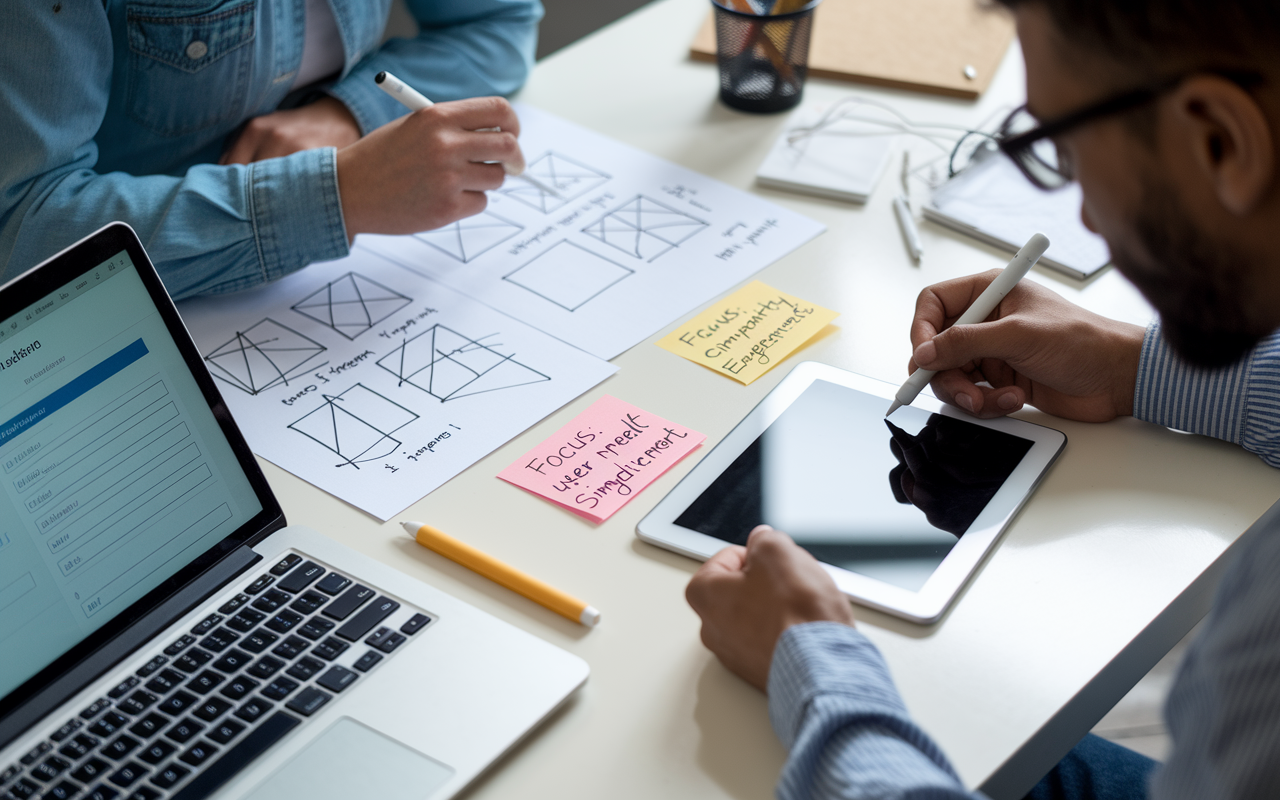
What UX Design Means
The term "user experience" is usually credited to cognitive scientist Don Norman, who used it in the 1990s to describe everything a person experiences with a company and its products, not just the screen. The Nielsen Norman Group definition of user experience still reflects that broad view: it covers all aspects of the end user's interaction with the company, its services and its products.
The international standard for human-centered design, ISO 9241-210, describes user experience as a person's perceptions and responses that result from using, or expecting to use, a product, system or service. In plain terms, UX is how something feels to use, and UX design is the deliberate work of improving that feeling by removing obstacles and meeting real needs.
Good UX design usually rests on a few qualities:
- Useful: it solves a real problem the user has
- Usable: people can figure it out quickly and complete tasks without errors
- Findable: content and features are where people expect them
- Accessible: people with disabilities can use it too
- Credible: it earns trust through clear information and consistent design
- Desirable: it looks and feels good enough that people want to use it
UX Design vs UI Design
UX and UI are related but not the same. User interface (UI) design is one part of the larger user experience.
| UX design | UI design | |
|---|---|---|
| Main question | Does this solve the user's problem in a way that makes sense? | Does this look clear, consistent and easy to interact with? |
| Focus | Research, structure, user flows, content and task completion | Visual layout, color, typography, buttons, icons and states |
| Typical outputs | Personas, journey maps, site maps, wireframes, prototypes, test findings | Style guides, design systems, high-fidelity mockups, interactive components |
| When it happens | From the start of a project and throughout | Mostly after the structure and flows are set |
A useful way to think about it: UX decides that a contractor's homepage needs a visible phone number, a short list of services and a quote form above the fold. UI decides how that phone button looks, what color it is and how it responds when tapped. On small projects one person often does both, which is why you will see job titles like "UX/UI designer."
The UX Design Process
Most UX teams follow some version of the design thinking process taught by the Stanford d.school. It has five stages, and teams often loop back through them as they learn.
- Empathize: learn about users through interviews, surveys, analytics, support logs and observation
- Define: turn what you learned into a clear problem statement, such as "homeowners on phones can't tell whether we serve their area"
- Ideate: generate many possible solutions before picking the most promising ones
- Prototype: build quick, low-cost versions, from paper sketches to clickable wireframes
- Test: put the prototype in front of real users, watch where they struggle, and revise
The older version of this article skipped the testing stage, but testing is where most of the value appears. Watching five or six people try to complete a task usually reveals the biggest problems quickly, and it is far cheaper to fix them in a prototype than after launch.

UX Design Principles Worth Knowing
Designers lean on a few well-tested principles. Jakob Nielsen's 10 usability heuristics are the best known. Several of them matter on almost every website:
- Visibility of system status: show people what is happening, for example a confirmation after a form is sent
- Match the real world: use the words your customers use, not internal jargon
- Consistency and standards: buttons, links and menus should behave the way people expect from other sites
- Error prevention: design forms so mistakes are hard to make, and explain errors clearly when they happen
- Recognition rather than recall: keep options visible instead of making people remember them
- Aesthetic and minimalist design: remove anything that competes with the main task
Accessibility belongs on this list too. The Web Content Accessibility Guidelines (WCAG) set out how to make content usable for people with visual, hearing, motor and cognitive disabilities, covering things like color contrast, keyboard navigation, form labels and alt text on images.
What UX Designers Work On
UX designers work on a wide range of projects, from user research and usability testing to site maps and information architecture. Common deliverables include:
- User research findings: interviews, surveys and analytics summaries
- Personas: short profiles of the main types of users and their goals
- Customer journey maps: the steps someone takes from first hearing about a business to becoming a customer
- Site maps and information architecture: how pages and content are organized and labeled
- Wireframes: simple layouts that show structure without visual styling
- Prototypes: clickable versions used for testing
- Usability test reports: what users struggled with and what changed as a result

Skills a UX designer needs
- Problem solving and curiosity about how people behave
- User research and usability testing methods
- Information architecture and content organization
- Wireframing and prototyping in tools such as Figma
- A working understanding of visual design and UI patterns
- Basic knowledge of how websites and apps are built, so designs are practical
- Clear communication, since designers must explain decisions to clients, developers and stakeholders
What Good UX Looks Like on a Local Business Website
For a local service business, UX is not abstract. Most visitors arrive on a phone, often from Google Search or a Google Business Profile, and want to answer three questions fast: do you do what I need, do you serve my area, and how do I reach you? A site that answers those questions clearly tends to turn more visits into calls and form leads.
- Mobile first: design for a thumb on a small screen, with tap targets big enough to hit
- Click-to-call and short forms: a visible phone number that dials when tapped, and forms that ask only for what you need
- Clear service pages: one page per main service, with plain descriptions, service areas and next steps
- Fast loading: Google's Core Web Vitals measure loading, responsiveness and visual stability, and slow pages lose impatient visitors
- Trust signals: real photos, reviews, licenses and an address people can verify
- Simple navigation: a short menu with labels customers would use
UX and SEO overlap more than people expect. Clear structure, helpful content, fast pages and good mobile usability help visitors and also make it easier for search engines to understand the site. That is one reason we treat site structure as part of local SEO work, not a separate project.
Frequently Asked Questions
What is UX design in simple terms?
UX design is the process of making a product or website easy and pleasant to use. It means learning what users need, then organizing content, navigation and interactions so they can complete their tasks without confusion.
What is the difference between UX and UI design?
UX design covers the whole experience, including research, structure and user flows. UI design is the visual and interactive layer, such as layout, color, typography and buttons. UI is one part of UX.
What are the five stages of the UX design process?
The common design thinking model has five stages: empathize, define, ideate, prototype and test. Teams often repeat stages as they learn from testing.
What tools do UX designers use?
Many UX designers use Figma for wireframes, prototypes and design systems, along with survey tools, analytics platforms such as Google Analytics, and usability testing or session recording tools.
Does UX design matter for a small business website?
Yes. Most local customers visit on a phone and want to find services, service areas and contact options quickly. Clear navigation, fast pages and easy calls or forms help turn those visits into leads.
Get Help With Your Website's User Experience
Local Blitz has helped local businesses with websites and digital marketing since 2009, from offices in San Diego and Indianapolis. If your site gets traffic but not enough calls or form leads, we can review how visitors move through it and what is getting in their way. Learn about our web design services, including Indianapolis web design, or book a free strategy call.
Is AI recommending your business?
We will ask ChatGPT, Gemini and Google AI about your business and show you what they say. It is free.
Want More Customers From Search?
Book a free strategy call, or call San Diego (858) 225-6877 or Indianapolis (317) 672-1156.